zen8k

Zen8k App Installation Guide

How to Set Up the Zen8k App on an Android Phone?

Follow the steps below to activate your Zen8k subscription:

Step 1:

Download the Zen8k app from this URL.

Step 2:

Open the Zen8k app and Click on '' Add Playlist '', enter your Subscription details (Username and Password ).

Step 3:

Enter the provided login information after subscription and press “ADD PLAYLIST”

Step 4:

Then click on ‘’Zen8k’’ again and then press ‘’Connect’’ Once connected, you will have access to all channels.
 

Step 5:

Select the channel group you wish to watch.
 

Step 6:

Click on the channel name, then double-click the small screen to go full-screen

How to set up IPTV on Fire TV Stick 

1: From your device’s home screen, hover over the Search option.

 
2. Click on Search.
3.Search for and select Downloader
4. Choose the Downloader application.
5. Click on Download.
6.Once the application installation is complete, click on Open.
7. Go back to the home screen and open Settings.
8. Click on My Fire TV.
 
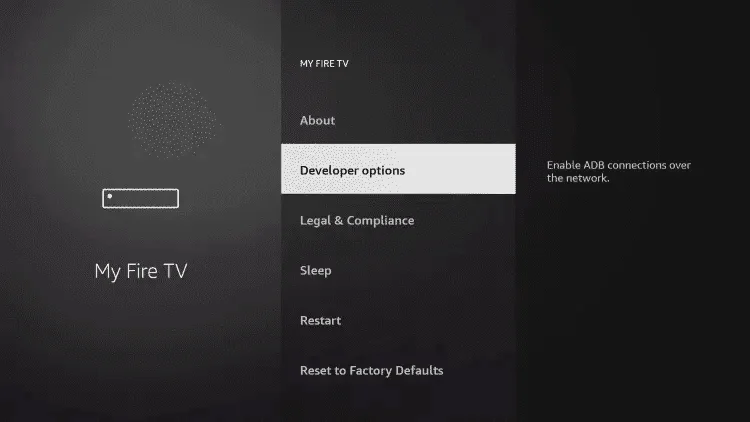
9. Select Developer options.
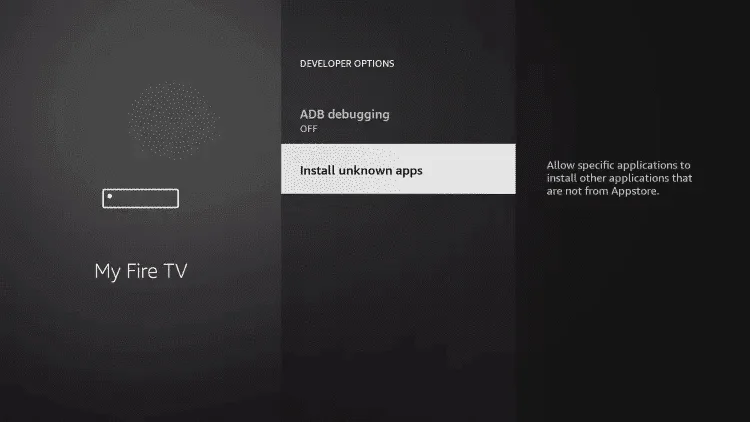
10. Click on Install Unknown Apps.
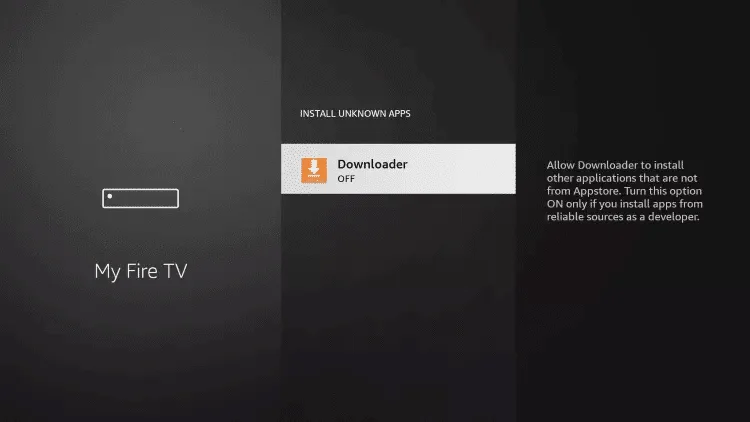
11. Find the Downloader app and click on it.
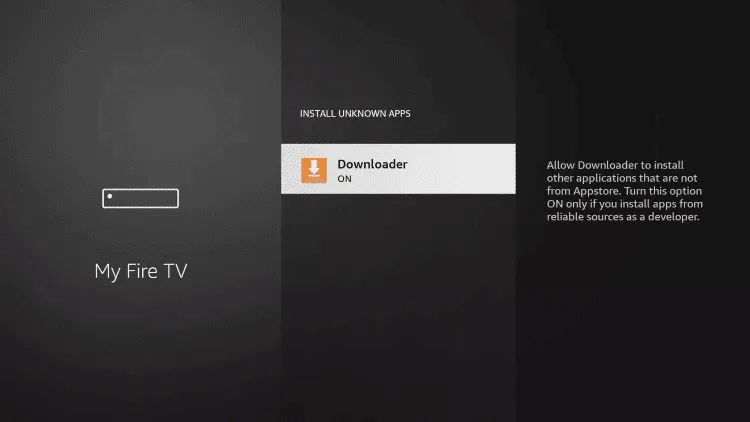
12. This will enable Unknown Sources for the Downloader app, allowing sideloading on your device.
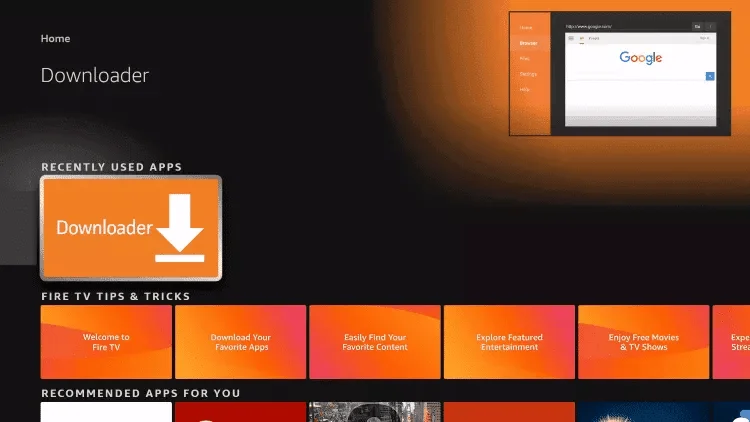
13. Launch Downloader.
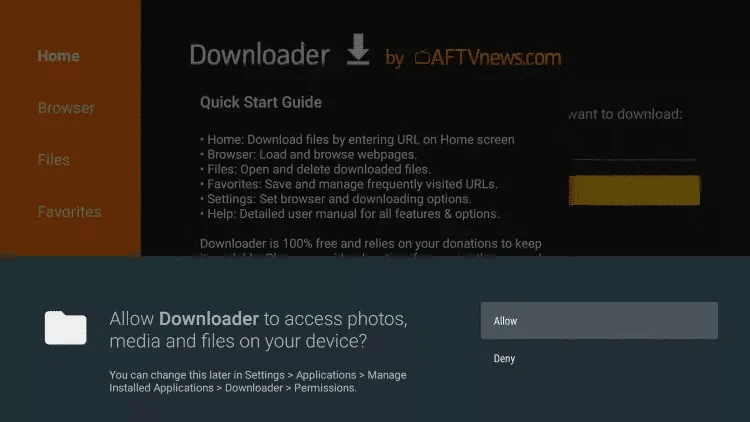
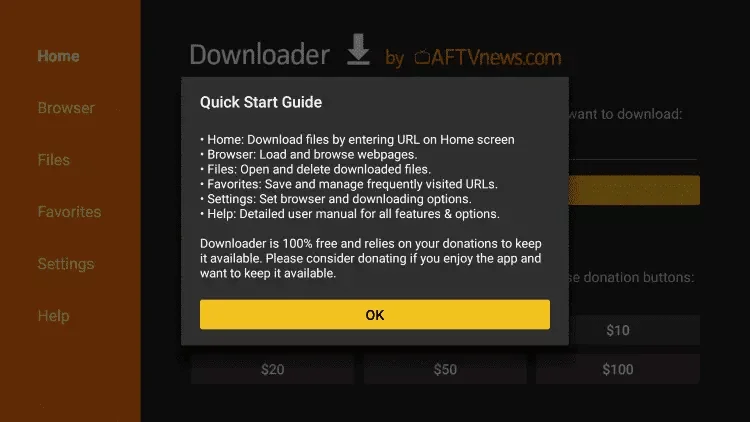
14. Click on Allow
15. Click on Allow.

16.add this code 5634603 and then press on Go.

17. Wait for the file to download.

18. Click on Install.
 
19. Open the app and click on '' Add Playlist ''
 
20. Enter your details ( Username and Password ), and then press on ‘’ADD PLAYLIST‘’
 
21. Then click on ‘’Zen8k’’ again and then press ‘’Connect’’ Once connected, you will have access to all channels.
 

Get 24Hr trial Now